
How to use Gemini AI as an OCR Text Scanner on your phone
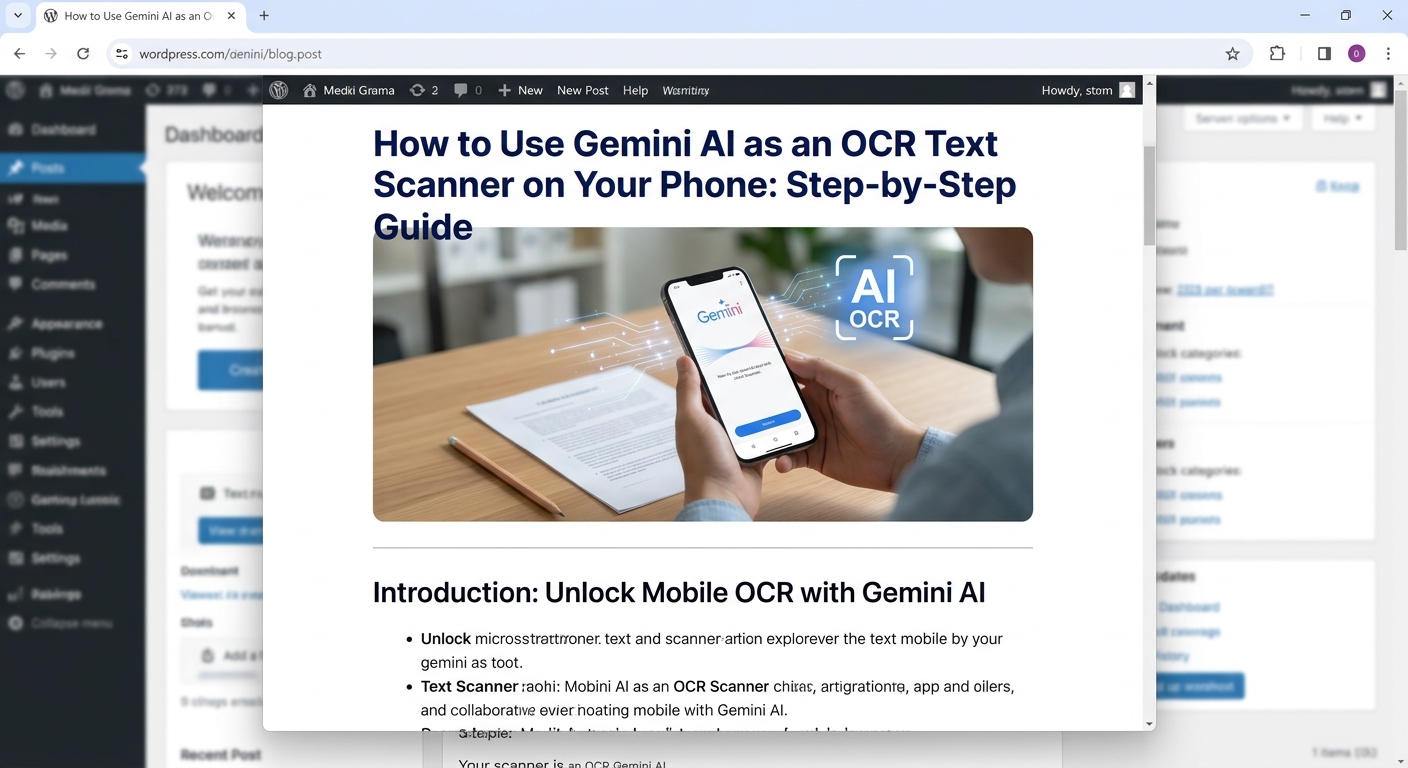
Using the Gemini app on your phone (Android or iPhone) as an OCR text scanner is straightforward. Since Gemini is built natively to process images, it can instantly extract, format, or summarize text from photos you take or images in your gallery.
Step-by-Step Guide for Mobile
1. Open the Gemini App
-
Android: Open the standalone Gemini app (or activate Gemini by saying “Hey Google” / holding the power button).
-
iPhone: Open the official Google Gemini app from the App Store (or access Gemini inside the top tab of the main Google app).
2. Snap a Picture or Choose an Image
In the prompt bar at the bottom, tap the + (Add files) icon:
-
Take a live photo: Select Camera to snap a photo of a document, receipt, sign, or handwritten note directly.
-
Pick an existing picture: Select Photos / Files to pick an image from your camera roll.
3. Type Your Extraction Prompt
Before tapping send, give Gemini a clear instruction in the prompt box:
-
For Exact Text Extraction:
“Extract all the text from this image exactly as written. Output only the text.”
-
For Receipts or Invoices:
“Read this receipt and list the total amount, date, and line items in a clean table.”
-
For Handwritten Notes:
“Transcribe the handwriting in this photo into clear readable text.”
4. Tap Send and Copy the Text
-
Tap the Send button (arrow icon).
-
Once Gemini responds, tap and hold the text to highlight and Copy, or tap the Share button below the response to send it straight to WhatsApp, Notes, Email, or Google Docs.
Helpful Mobile Tips
-
Scan Long Documents: You can upload multiple photos/pages at once (up to 10 files per prompt).
-
Translate On-The-Fly: If the image is in another language (e.g., Japanese or German), ask: “Extract the text from this image and translate it to English.”
-
Keep Images Well-Lit: While Gemini easily reads low-light or angled photos, tapping the document to focus before snapping will give you the cleanest transcription.
Leave a Reply
Want to join the discussion?Feel free to contribute!